

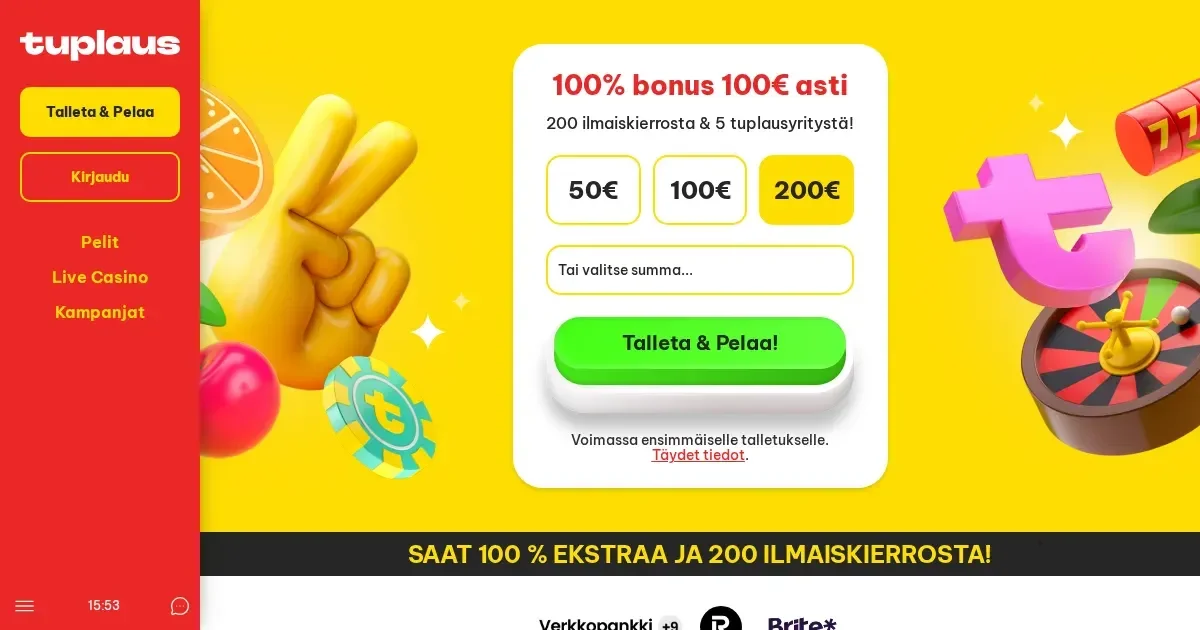
Tuplaus runs entirely in your mobile browser, with no native app required. You access the same account on your phone as you do on desktop, using the Pay N Play system that recognises you through your bank login.
Mobile at this operator
Tuplaus operates as a browser-based casino, designed to work on mobile devices without installation. The site adapts to smaller screens, and the Pay N Play authentication handles login automatically once you complete a bank transfer.
There is no iOS or Android app to download. The entire experience runs through your mobile browser – Safari, Chrome, Firefox or whichever you prefer.
Installed app versus site in a browser
Since Tuplaus provides no native application, all mobile play happens in the browser. This removes the step of finding and installing software, and it means updates are handled server-side rather than through app store releases.
The browser route has one practical upside: you are never locked to a single device. Any phone or tablet with internet access can reach the site, and your session state travels with your account rather than being tied to an installed package.
Day-to-day use
The mobile site gives you access to the following:
- Games – the full library of approximately 6,000 slots, jackpots, roulette, blackjack, live casino and table games
- Deposits and withdrawals – instant bank transfers through the same Finnish banks the desktop site uses
- Welcome bonus and promotions – the 100% bonus up to 100 EUR, 200 Free Spins and 5 Double-Up Attempts on the Tuplaus Game
- Account tools – limits, self-exclusion and the one-click closure option
- Support – email contact at [email protected] or [email protected], available around the clock
Payment processing works identically to the desktop flow. Select your bank from the list, log in with your credentials, authorise the transfer and the funds clear in minutes. Withdrawals follow the same route, returning to the account you deposited from.
Live casino games stream at the resolution your connection can sustain. On a stable 4G or Wi-Fi link, Evolution Gaming and the other providers deliver the same video quality as they do on a larger screen. A weaker signal will downgrade the stream rather than disconnect you entirely.
Known limits
Browser play on a phone is not identical to desktop in every respect. Here is where the mobile experience falls short:
| Area | What changes on mobile |
|---|---|
| Screen space | Game thumbnails shrink, and scrolling through the library takes longer. Filters help, but a 6,000-game catalogue is harder to navigate on a 6-inch display. |
| Multi-tabling | Forget opening several live tables at once. One game fills the screen comfortably; two or more become unreadable. |
| Typing | Support emails and any text input are slower on a phone keyboard. Keep messages short or switch to a computer for longer exchanges. |
| Battery drain | Live streaming and graphics-heavy slots consume power quickly. A session longer than an hour will need a charger nearby. |
None of these are failures of the mobile site itself – they are inherent to the device. A phone cannot match a desktop for sustained play or for browsing a large game library efficiently.
What to check first
Before you start a mobile session, run through this short list:
- Connection stability – public Wi-Fi is unreliable for live games or during a withdrawal. Mobile data or your home network are safer.
- The site address – type it directly or use a saved bookmark. Search results occasionally surface lookalike domains.
- Signing out – if the device is shared, close the browser tab properly. The Pay N Play system keeps you logged in for convenience, which becomes a risk on a phone another person can pick up.
- Limits set in advance – a device you carry everywhere makes impulse deposits easier. The operator provides tools to cap daily, weekly or monthly amounts; use them before a session, not during one.
Tuplaus is regulated by the Malta Gaming Authority (MGA) under licence number MGA/B2C/1079/2025. Access is restricted to players aged 18 and over (18+). Gambling should remain entertainment, not a source of income or a way to recover losses. For free, confidential support, contact GamCare at 0808 8020 133 or visit BeGambleAware.org. National self-exclusion across licensed UK sites is available through GamStop.
This site is for players aged 18 and over (18+) only. If gambling ever stops feeling like entertainment, free and confidential help is available at BeGambleAware.org.